
Overview
The Python StreamDock SDK is an SDK for directly controlling StreamDock devices across multiple platforms (including Windows, macOS, and Linux) by bypassing software. You can easily achieve direct device control through this SDK.
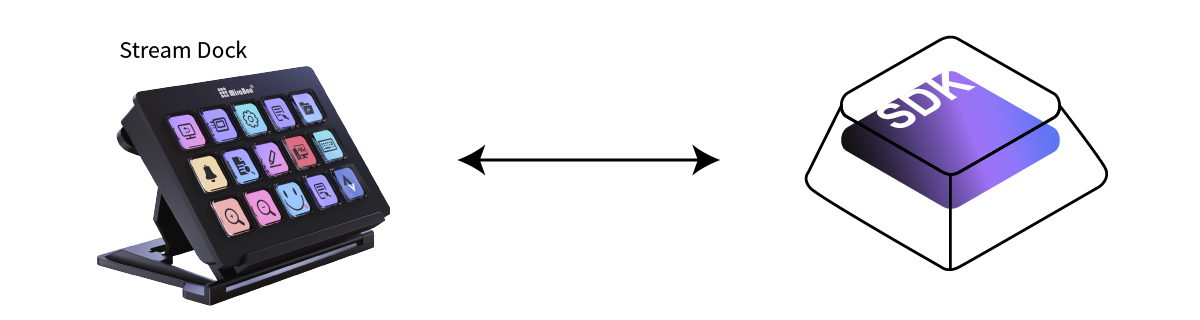
SDK Architecture
The Python StreamDock SDK adopts a layered architecture design, mainly including the following components:
- Device Management Layer: The
DeviceManagerclass is responsible for device enumeration, detection, and monitoring - Transport Layer: The
LibUSBHIDAPIclass is responsible for low-level communication with devices - Device Abstraction Layer: The
StreamDockbase class defines common interfaces for all devices - Specific Device Implementations: Specific implementations for various device models, such as
StreamDock293,StreamDockN3, etc. - Image Processing Layer: The
PILHelperclass provides image conversion and processing functions
Supported Device Models
The SDK supports the following StreamDock device models:
- StreamDock 293 series: 293, 293s, 293V3
- StreamDock N series: N1, N3, N4, N4Pro
- StreamDock M series: M3, M18 (including multiple versions)
- StreamDock XL
- K1 Pro
How Python StreamDock SDK Communicates with Devices
The Python StreamDock SDK uses HIDAPI to communicate with devices. HIDAPI is a simple cross-platform library for communicating with HID devices, view details
The SDK interacts with devices in the following ways:
- Device Enumeration: Uses USB Vendor ID and Product ID to identify connected StreamDock devices
- Data Transfer: Sends commands and receives device feedback through HID interface
- Image Processing: Converts images to device-compatible formats and transfers them to the device
- Event Listening: Listens for key events and device status changes
Main Features
- Device Management: Automatically detects connected devices, supports hot-plugging
- Screen Control: Set background images, adjust brightness, wake screen
- Key Control: Set key icons, clear key icons, listen for key events
- Image Processing: Automatically converts image formats to adapt to different devices
- Multi-threading Support: Supports asynchronous event processing and callback functions
TIP
System Requirements:
- Python version: Recommended 3.7 or higher
- Supported operating systems: Windows, macOS, Linux (Ubuntu 20.04+ recommended)
- USB port: For connecting StreamDock devices