
Overview
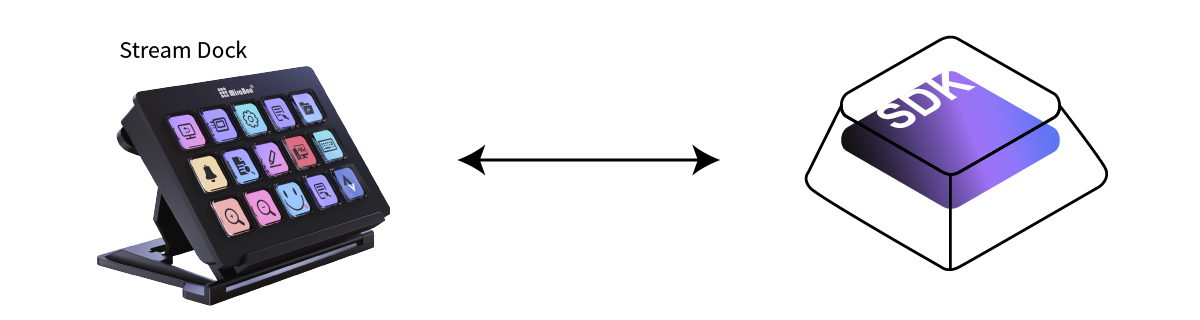
StreamDock WebSocket SDK is a WebSocket server for controlling StreamDock devices. Through the standard WebSocket protocol, developers can communicate with StreamDock devices using any programming language, enabling device control, key monitoring, image display, and more.
Features
- Standalone Operation: Control StreamDock devices directly without official software
- Cross-platform Communication: Based on standard WebSocket protocol, supports all programming languages
- Real-time Interaction: Supports device hot-plug, key input monitoring, real-time image updates
- Rich Features: Screen brightness adjustment, LED lighting control, image display, keyboard lighting effects, etc.
Supported Device Specifications
We support multiple StreamDock devices, each with its unique specifications and features:
StreamDock 293 Series
- Screen Size: 800×480 pixels
- Key Size: 100×100 pixels
- Key Count: 15 programmable keys
StreamDock 293s Series
- Screen Size: 800×480 pixels
- Key Size: 100×100 pixels
- Key Count: 15 programmable keys
StreamDock N3 Series
- Screen Size: 320×240 pixels
- Key Size: 64×64 pixels
- Key Count: 6 programmable keys
StreamDock N4 Series
- Screen Size: 800×480 pixels
- Key Size: 112×112 pixels (keys) / 176×112 pixels (secondary screen)
- Key Count: 15 programmable keys + 4 knobs
StreamDock N1 Series
- Screen Size: 480×854 pixels
- Key Size: 96×96 pixels
- Key Count: 15 programmable keys + 2 knobs
StreamDock N4Pro
- Screen Size: 800×480 pixels
- Key Size: 112×112 pixels (keys) / 176×112 pixels (secondary screen)
- Key Count: 15 programmable keys + 4 knobs
StreamDock M3 Series
- Screen Size: 854×480 pixels
- Key Size: 96×96 pixels (keys)
- Key Count: 15 programmable keys + 3 knobs
StreamDock M18
- Screen Size: 480×272 pixels
- Key Size: 64×64 pixels
- Key Count: 18 programmable keys
StreamDock XL
- Screen Size: 1024×600 pixels
- Key Size: 80×80 pixels
- Key Count: 32 programmable keys + 2 side toggle switches
K1Pro
- Key Size: 112×112 pixels
- Key Count: 6 programmable keys + 3 knobs
Who Is It For?
- Developers who want their applications to support StreamDock devices
- Geeks who want to unleash the potential of StreamDock devices through code
- Enthusiasts who love freedom and don't want to rely on official software